Before and after samples
These are real pages from public-domain scans, shown as they were scanned and as FixMyScan returned them.
Key takeaways
- Every pair below is the same page: the original scan on the left, the FixMyScan output on the right.
- The pages come from old public-domain books, scanned with yellowed paper, faint print and wide margins.
- Plain text pages come back black on white, and the crop removes margins and scanner edges.
- Each output page also carries hidden searchable text, which an image can't show.
How to read these samples
Each pair shows one page twice. On the left is the page exactly as it came in the scanned PDF. On the right is the same page in the PDF FixMyScan returned, after one crop for the whole book, clean-up and text recognition. The images are scaled down to fit this page, so fine detail is softer here than in the real files.
What a picture can’t show is the text layer: every right-hand page also has invisible, searchable text under it, so you can search, highlight and look words up on an e-reader.
A travel book: yellowed paper
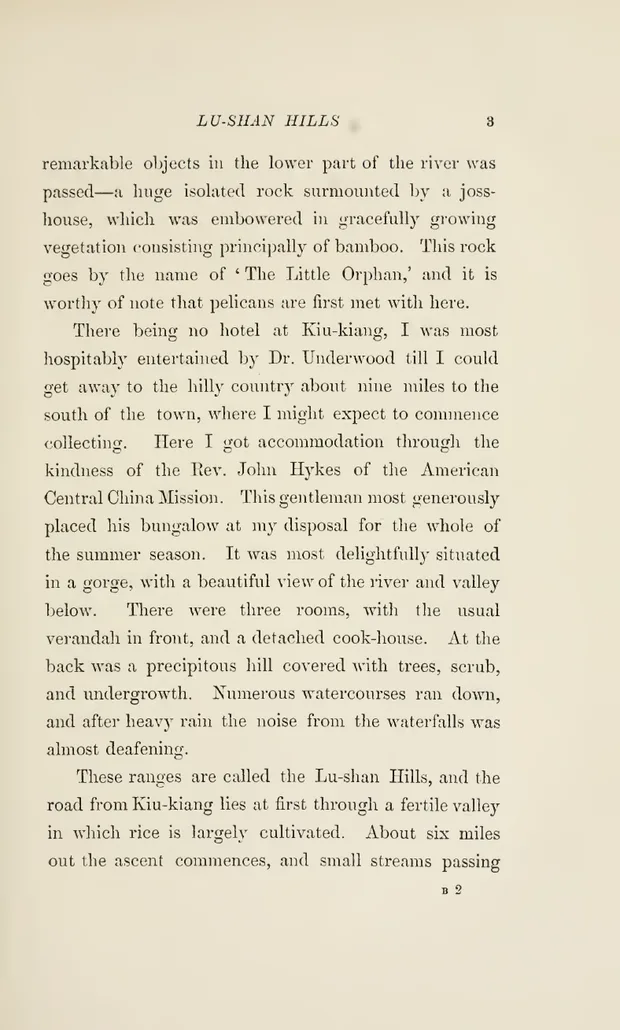 As scanned
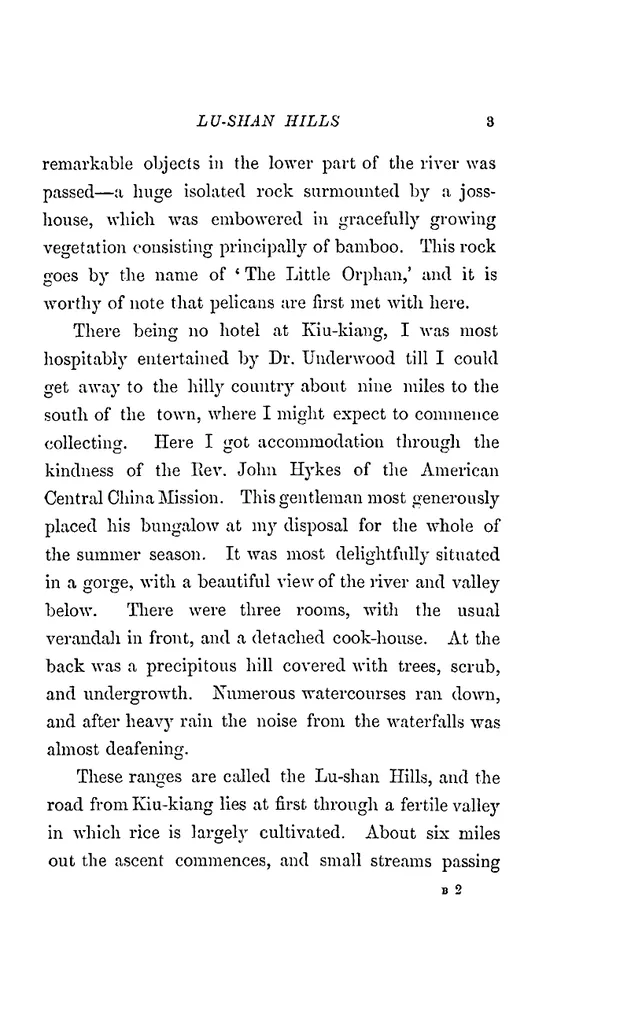 After FixMyScan
An old travel book with tinted, uneven paper. The paper turns white, the text turns black, and the wide outer margins are cropped away.
The original page is tinted and slightly uneven in tone, with a wide band of empty margin around the text. After the crop, the text block fills the frame. On a 6-inch Kindle that difference decides whether you can read the page without zooming.
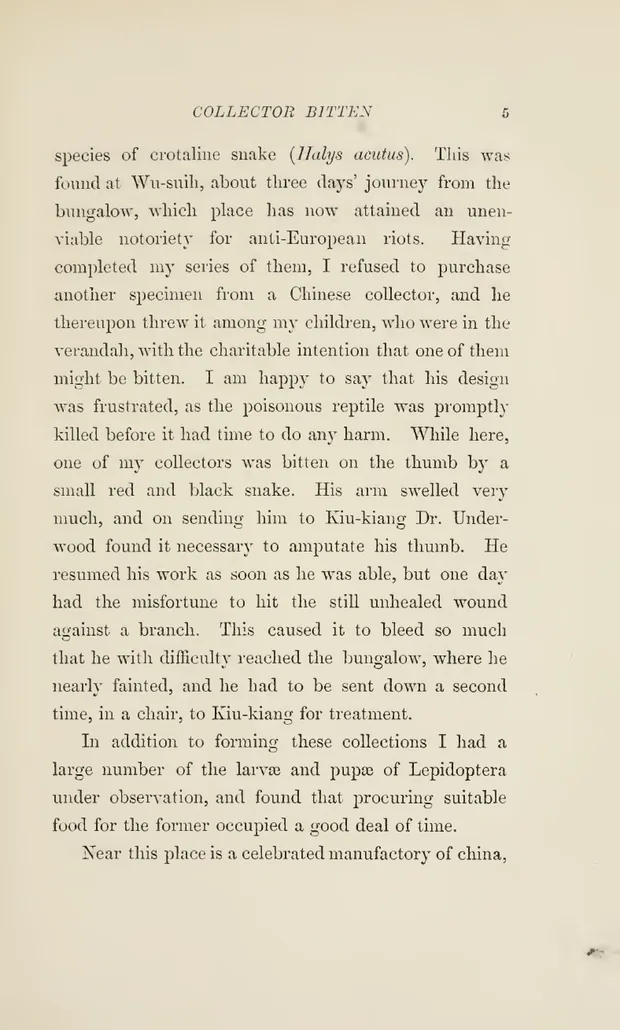 As scanned
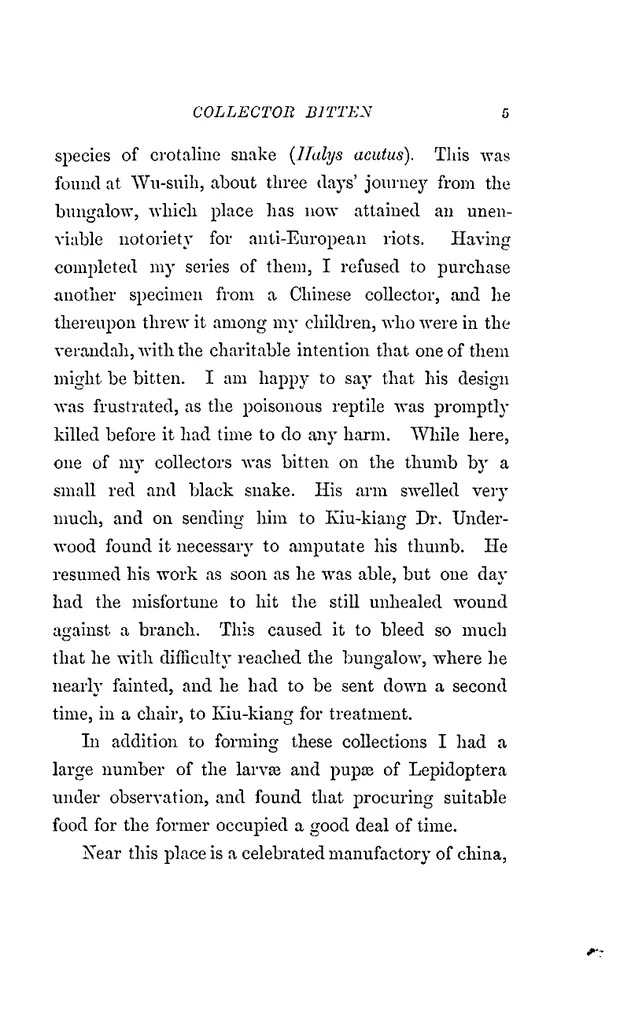 After FixMyScan
A later page from the same book, processed with the same single crop set once for the whole book.
This is a page from further into the same book. Nobody adjusted it by hand: the crop drawn once at the start applied to it too, and the clean-up matched the first page.
A 1792 book: faint print, old type
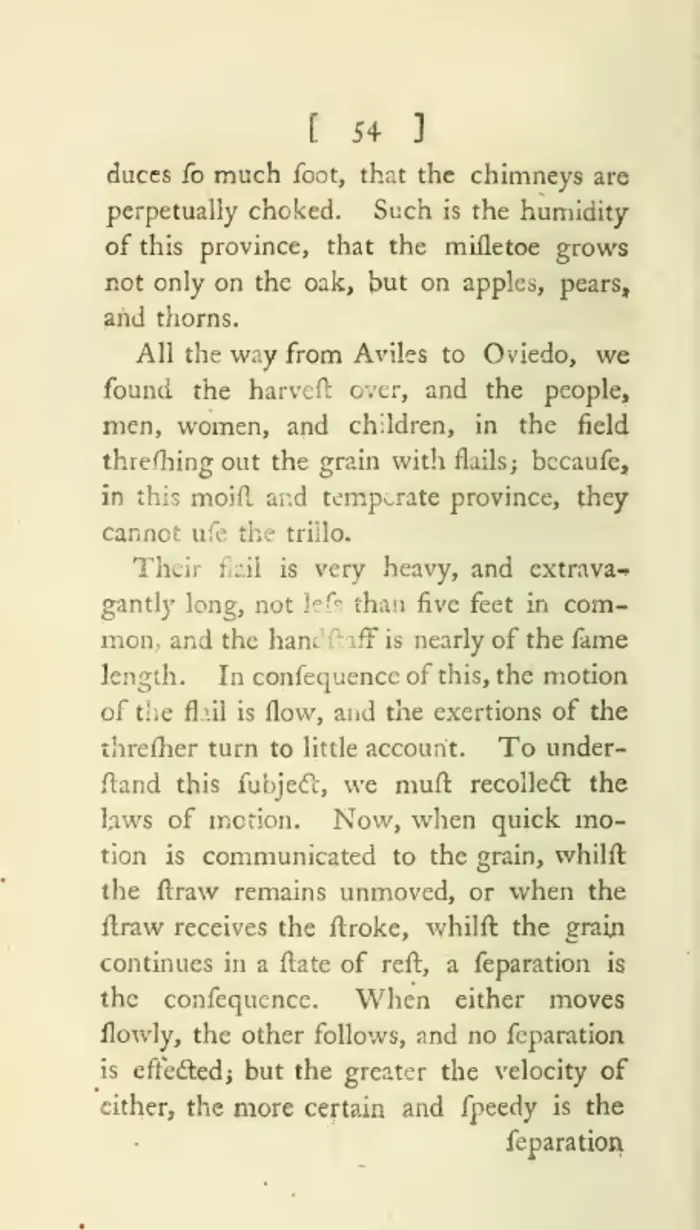 As scanned
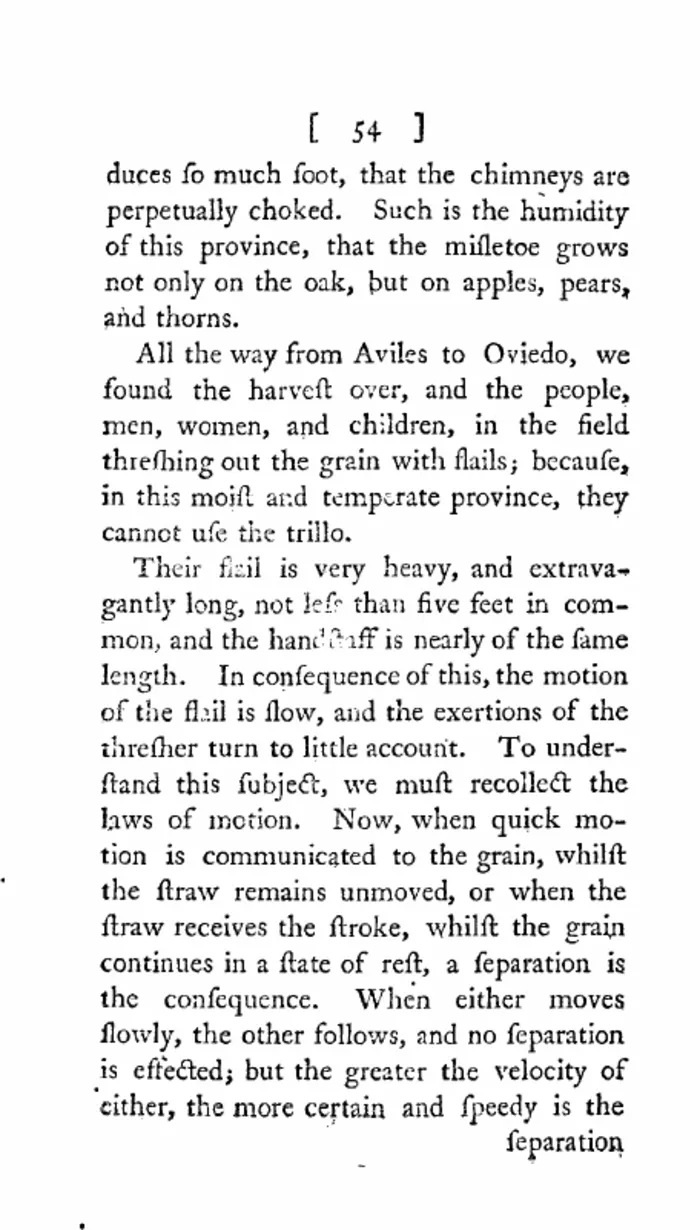 After FixMyScan
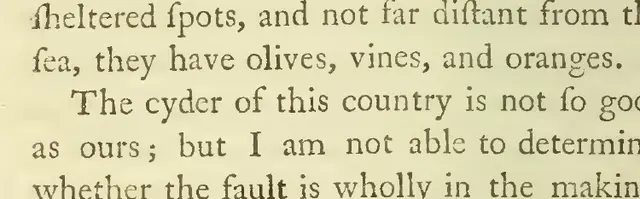
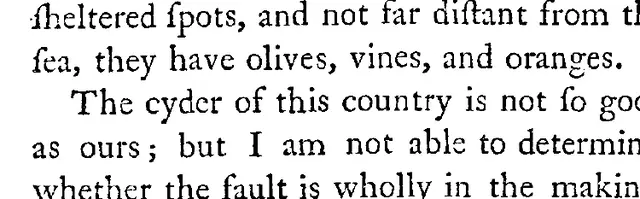
A Journey Through Spain, 1792. Faint grey print on yellowed paper becomes sharp black text on white.
Printing from the 1790s is often faint, and the long s (ſ) makes it harder still on a grey background. After clean-up the letters are solid black, which is what e-ink displays best.
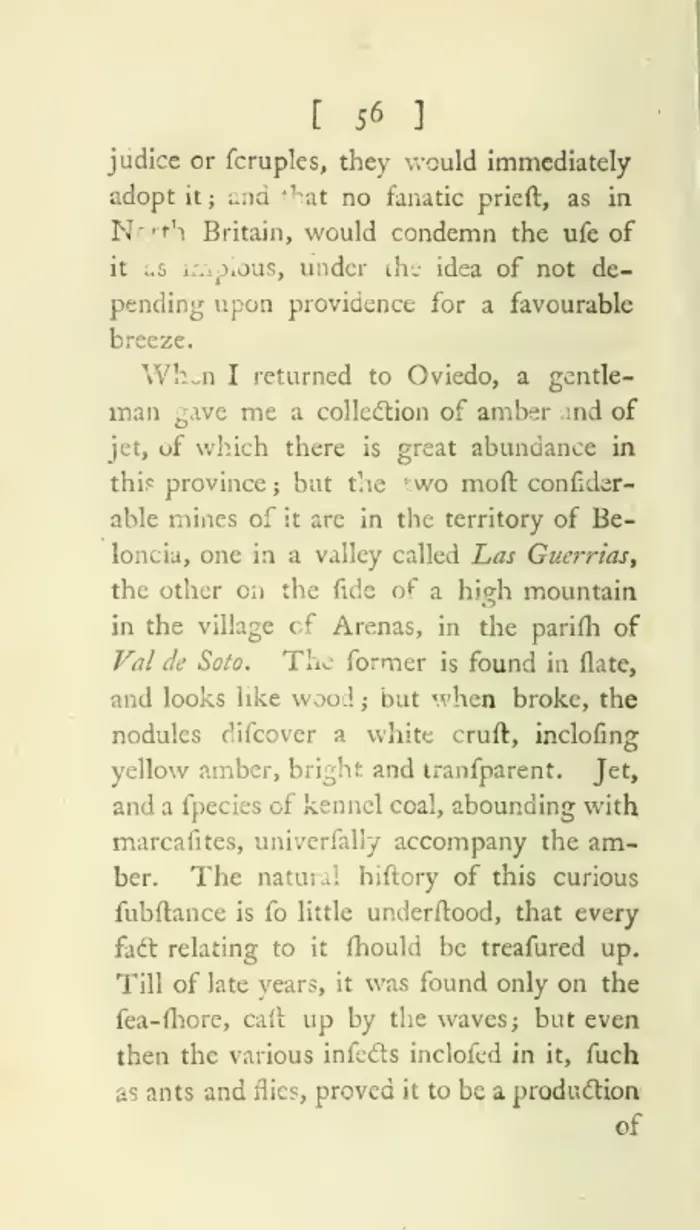 As scanned
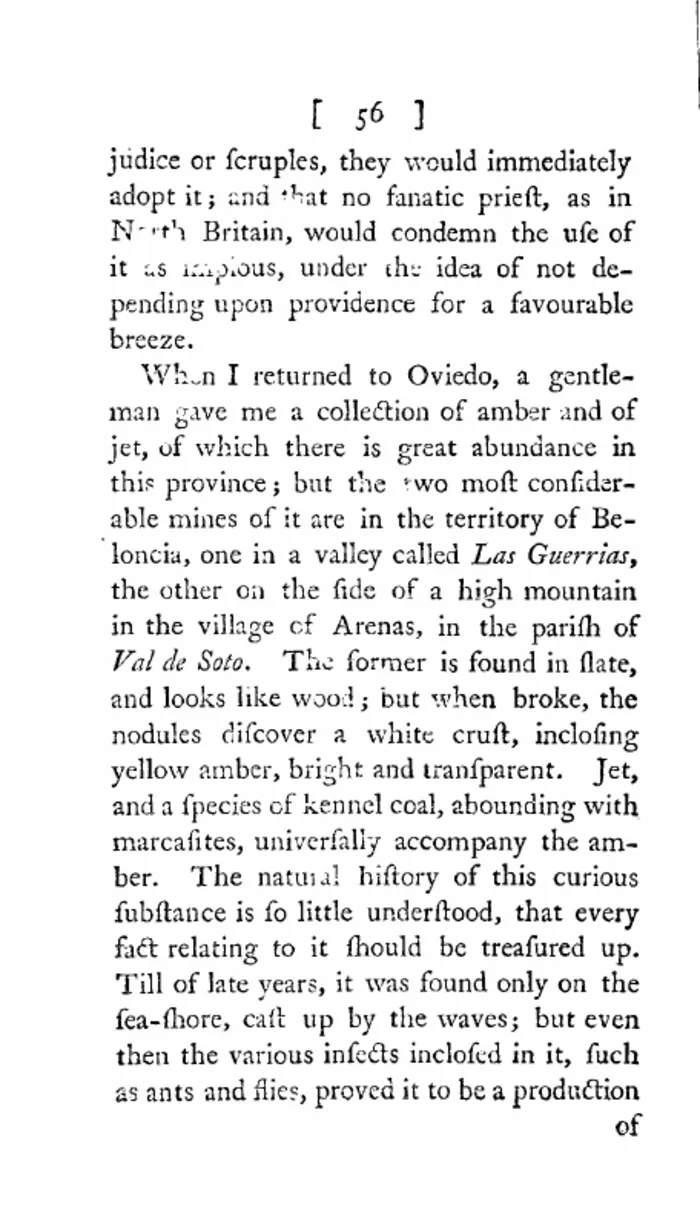 After FixMyScan
Another page from the same 1792 book.
Here is a closer look at the same kind of page, at actual reading size:
 As scanned
 After FixMyScan
Five lines from the 1792 book, close up.
A spelling book: dense columns and small type
 As scanned
 After FixMyScan
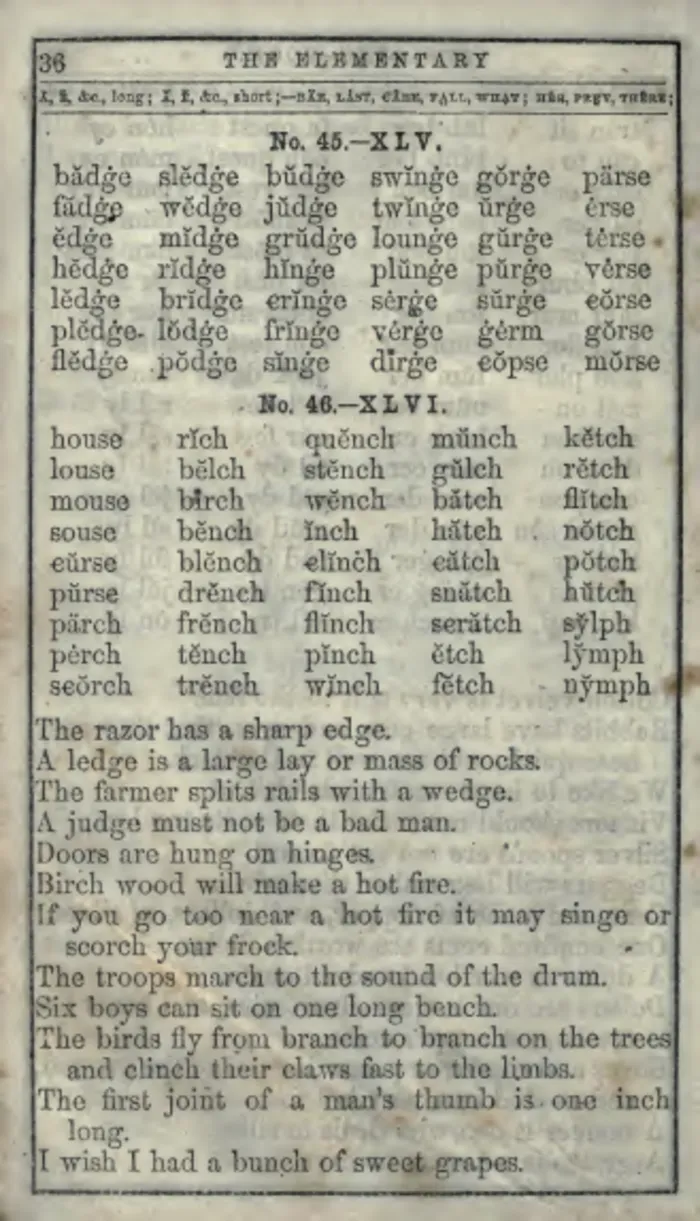
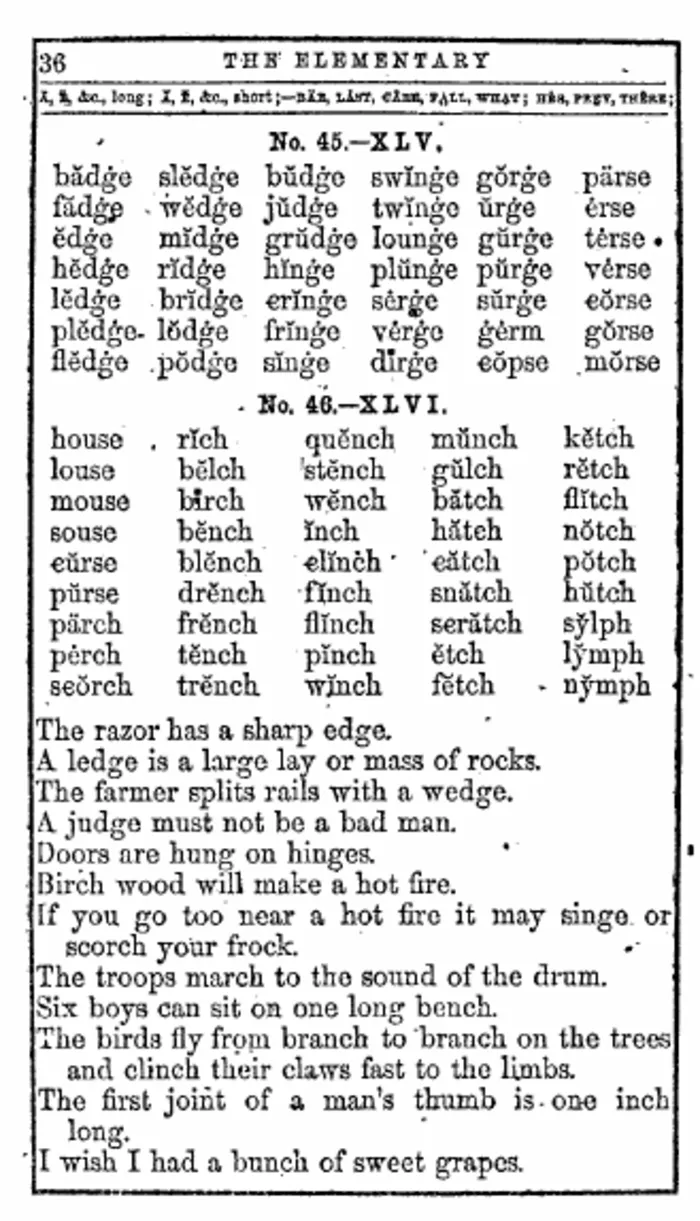
An old spelling book with dense word columns and a stained, grey background.
Spelling books pack small type into tight columns. The stained background on the left competes with the letters; on the right the columns stand out on white, and the page is easier to scan by eye.
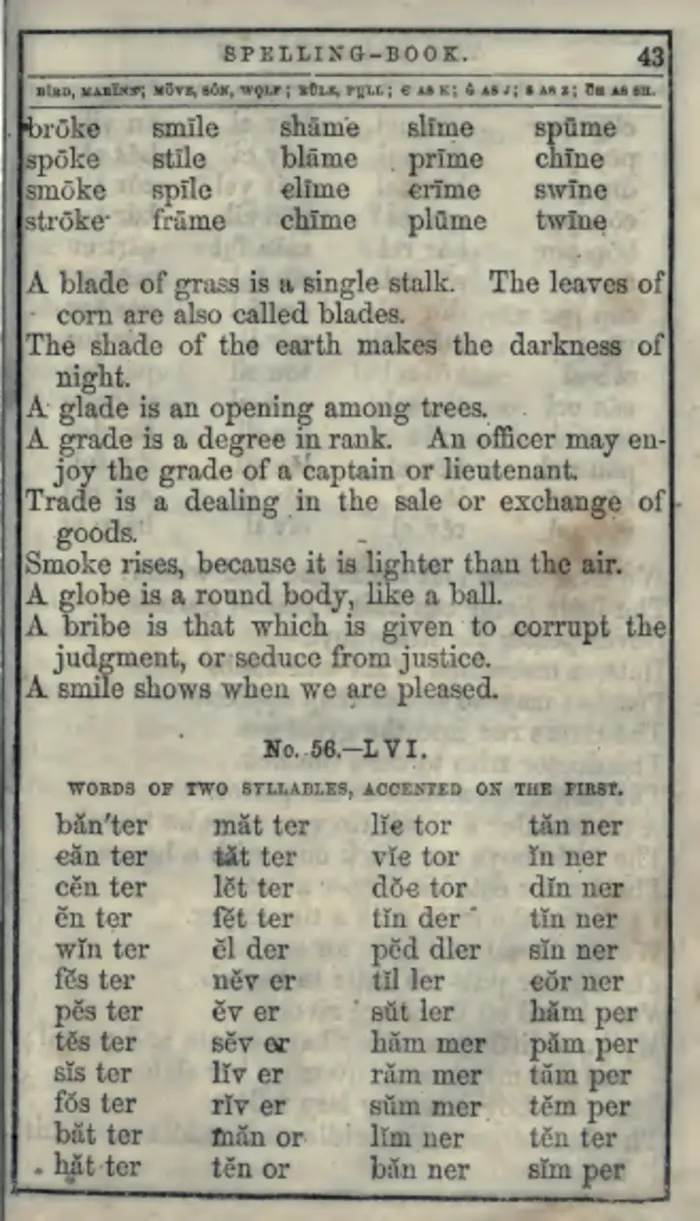 As scanned
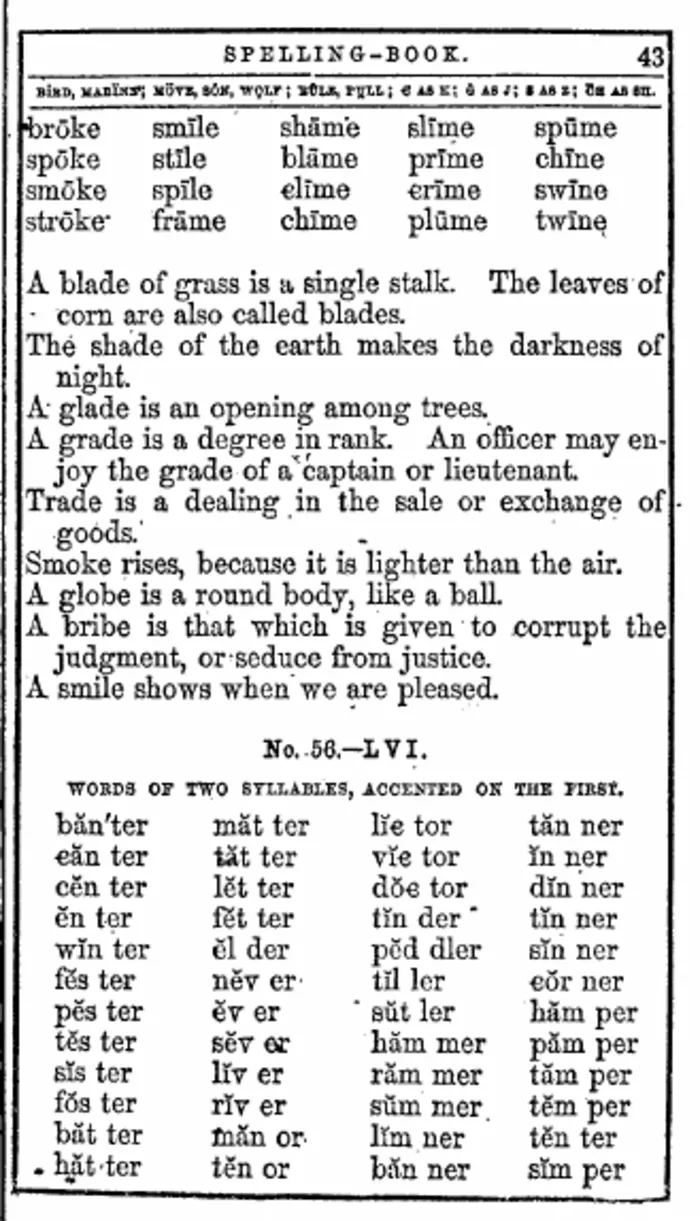 After FixMyScan
A later page from the same spelling book.
Notes with Greek and English
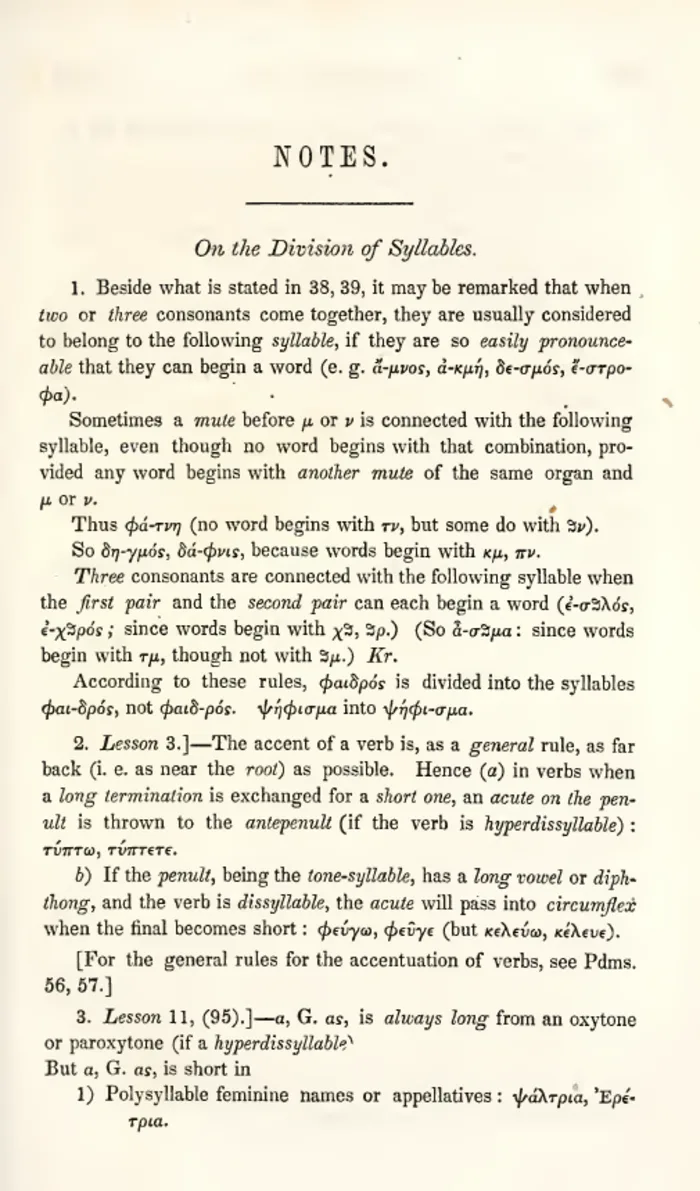 As scanned
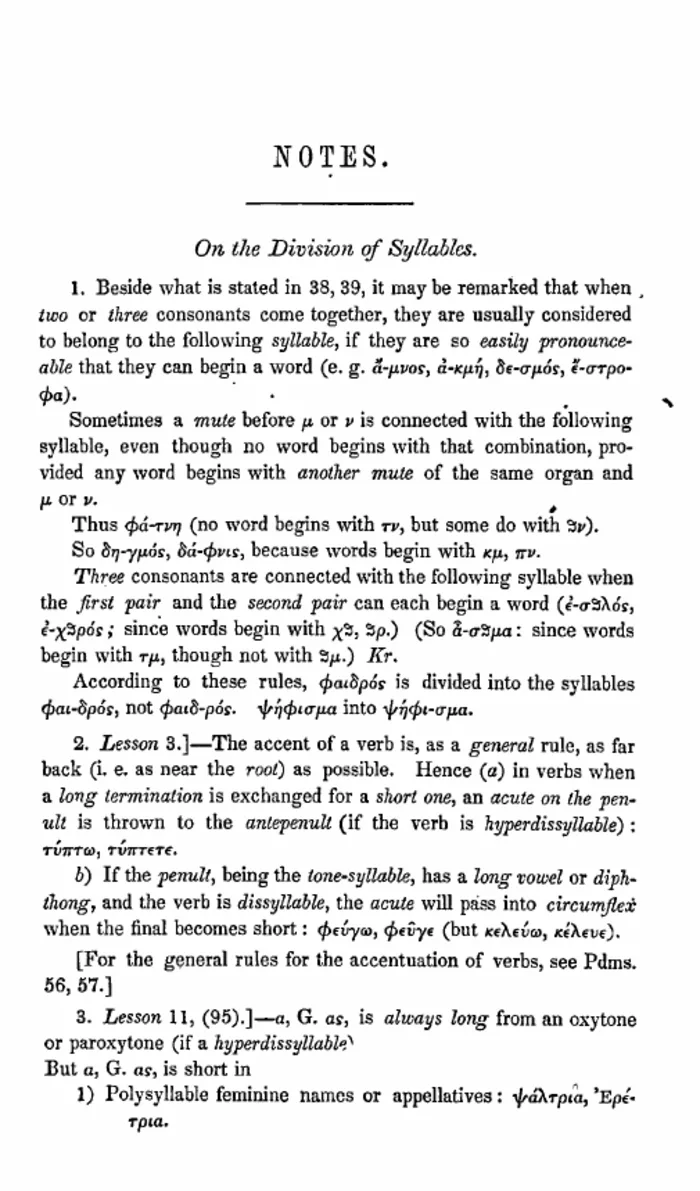 After FixMyScan
A page of notes mixing Greek and English. Both scripts come out sharp, and both are read into the text layer.
Pages that mix scripts are a common reason scanned grammars and classics are hard to search. FixMyScan reads Ancient Greek mixed with Latin text, so words in both scripts end up in the hidden text layer.
What to look for in your own scan
When you judge a result, check three things. First, the crop: the text block should fill the page with a slim, even margin, and no words should be cut off at the edges. Second, the tone: plain text pages should be white with solid black letters, while pictures keep their shading. Third, search: open the PDF, search for a word you can see on a page, and it should be found.
Try it on your own book
These samples are clear scans. Very dark, blurred or low-resolution scans improve less, so the honest test is your own book. How it works walks through the steps.
Questions
Are these real outputs?
Yes. Each right-hand page is the page FixMyScan returned for the scan on the left. The images are resized for the web.
Why does the cleaned page look bigger?
The crop removes the margins, so the text block fills more of the frame. On an e-reader that is what makes the text larger at normal size.
Do pictures get turned black and white too?
No. Pages with pictures stay in greyscale so the pictures survive. Only plain text pages are turned to pure black and white.
Can I see my own book like this before paying?
Yes. Upload your own scan and you see your own pages cleaned before you choose a plan.
Does it work on Greek and Latin text?
It reads Ancient Greek mixed with Latin text, as well as English, German, French, Italian, Spanish and old German Fraktur type. The notes page below mixes Greek and English.
Will my book look exactly like these?
It depends on the scan. Very dark, blurred or low-resolution scans improve less than the clear scans shown here.